
Web Design
Designing a website is harder than I thought, well the actual process of it. Making a website is just like any other design work, you have to know your audience, what content you’ll need there, how it’s going to read and most importantly how it’s going to look. Gathering information about the clients project/business is key to make a website work.

Wireframes are the skeleton of a website, they give the website unique shape, but composition is KEY, we need things to make sense and feel like they go together.
After you have the wireframes all figured out, you can move on to the next phase. which is mock ups! This is my favorite part, you can stylize it and play with different ideas

When working on a website, it isn’t just for desktops but you have to keep in mind that people might check out the website on an iPad or a phone so there too, the designer has to figure out how all the content will look on different devices.
Now coding, the hardest thing ever. It is complicated, the codes control the appearance of the website and if there is even the smaller mistake, nothing will work the way is supposed it.
There are also different types of web designs: brochure, portfolio, events, blogs, basically anything. Not as complicated as a website, but they do have their own challenges, some are easier than others. With portfolios, you can have everything in one, with brochures you might want to different have a few screen for different information.

When I read this chapter and got to the part of coding, I really not enjoyed it at all, because when I got to the animate cc part, it reminded of the hours I spent trying to animate a cartoon for a class and it was all with code and it took hours to get it right, it was a challenge, but knowing how to important it is, I would probably get back to it and practice more.

Now, with apps I think is a little “easier”, I had to make a full functioning “mock up” with both XD and InVision, I wasn’t “hard”, but it wasn’t easy, you have to learn how to work the programs and your screen and movements of them have to make sense. It all has to come together at the end, like everything in design. Everything has to make sense and with apps and websites or any websites, they have to be easy to navigate.
Outside Source: A Comprehensive Guide To Mobile App Design
https://www.smashingmagazine.com/2018/02/comprehensive-guide-to-mobile-app-design/
This guide is basically a brief summary on what the books mentioned, it has a little more details, but mostly same content.
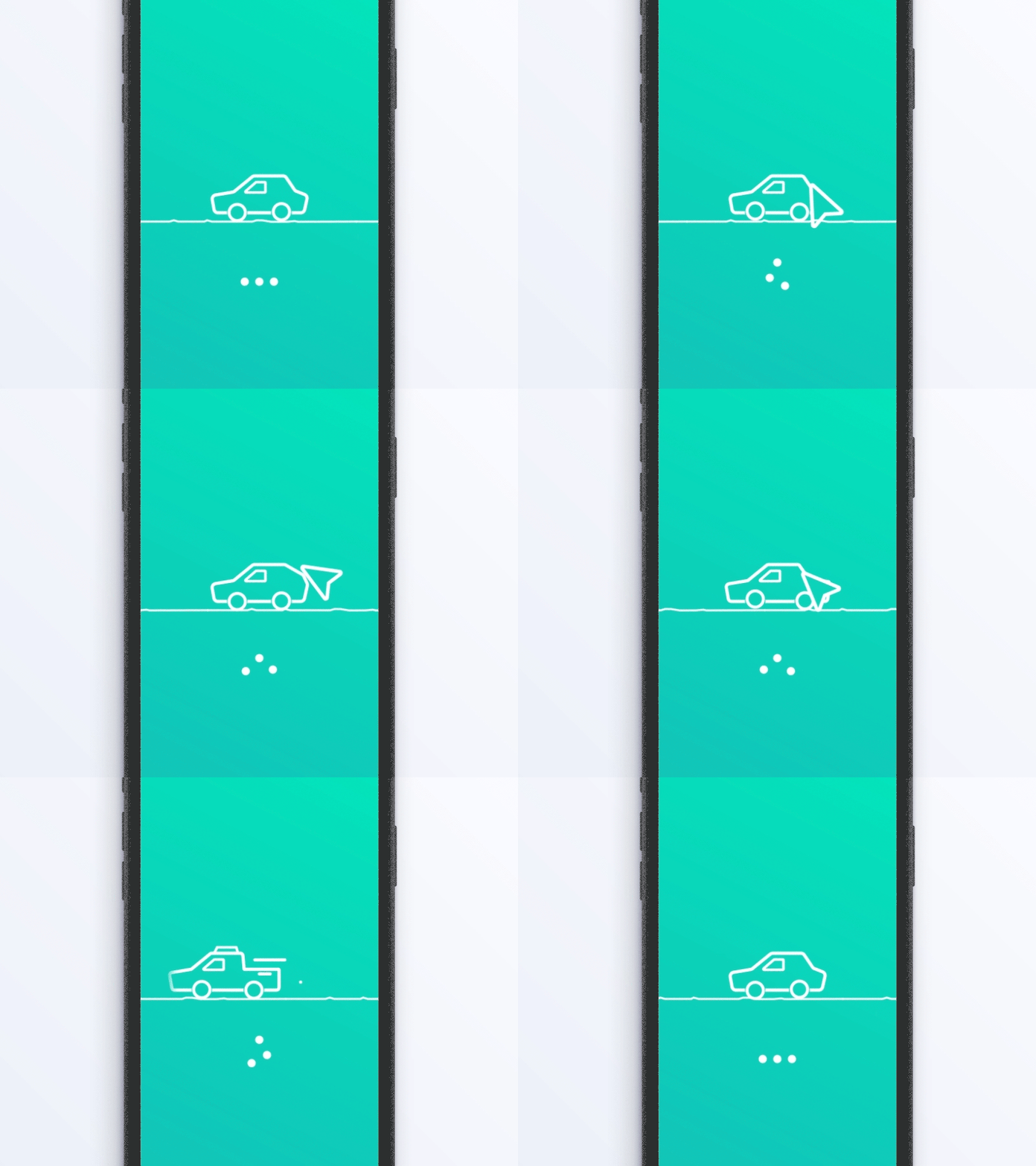
When working on an app, cluttering is an issue so keeping things simple and organized. Also using similar screens, is very useful, people are already familiar with the way they function. Making navigation simple for the user is very important so they can always come back. Having responsive apps is important, you don’t want it to be slow, that creates issues/frustrations, but adding a visual distraction can be helpful in cases when the screen takes a seconds to load


 I'm Curious